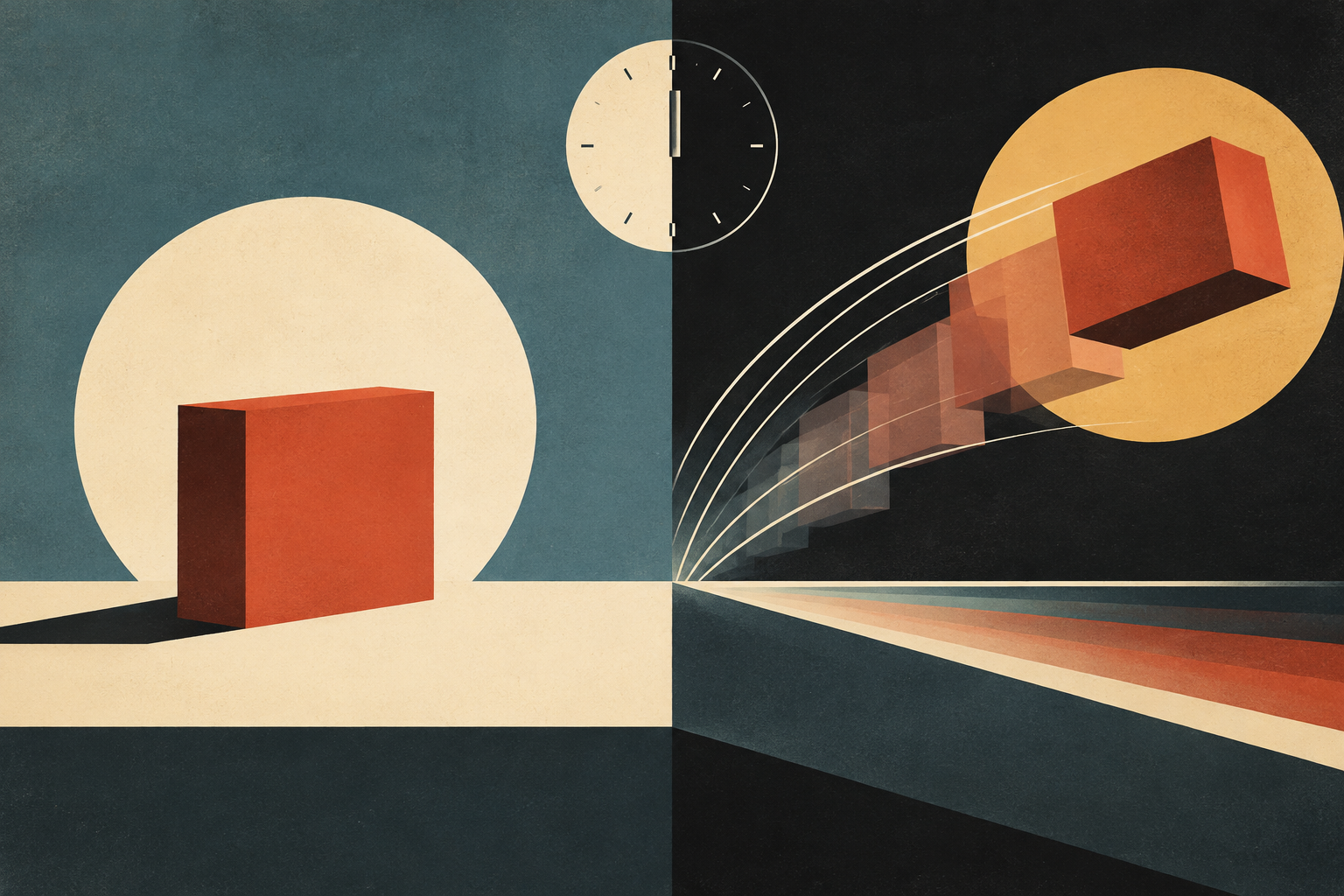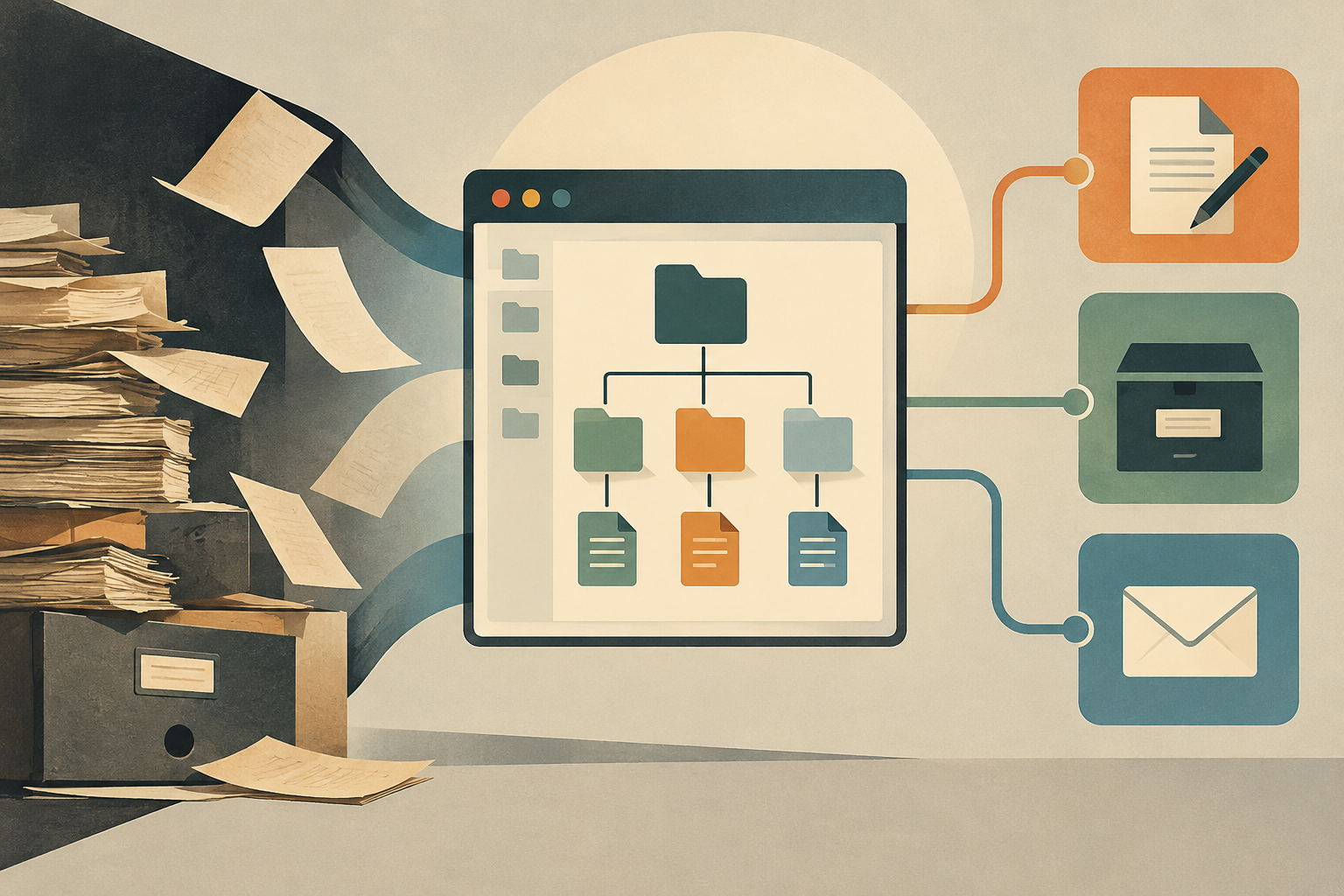
For centuries, the document was an immutable physical entity. Once printed or written, its existence was tied to matter: paper, ink, and storage space. The arrival of office software did not simply digitize these tasks, but deeply restructured how information is conceived. What was once a finished object became a continuous process, a flow that integrates production, archiving, communication, and cooperation into a single virtual space. This transition, which began to take shape in the 1960s and 1970s with the first third-generation computers, reached its cultural inflection point in the 1990s, when graphical interfaces and office suites became the de facto standard for knowledge management.
The End of Immutability
The central concept of this transformation is what academic literature calls the 'documental paradigm of office automation'. Unlike the physical document, which was created, archived, and consulted in separate stages, the digital document is born within an ecosystem where these functions overlap. Production does not end with saving; the archive is not a dead deposit, but an active database; communication and cooperation are integrated directly into the file structure. This view contrasts radically with the pre-digital era, where the document was a static object, a museum piece that could not be modified without leaving a physical trace of the alteration.
Roots in the Mainframe Era
To understand modern office automation, it is necessary to look back, beyond the screens of the 1990s. The roots of this technology sink into the period between 1960 and 1964, when the first large-scale computers began processing data. However, it was between 1965 and 1971, with the birth of third-generation computers, that the technical foundations for office task automation were laid. At that time, computing was an exclusive domain of large corporations and governments, but the logic of workflow automation was already present. Office automation, as we know it today, has been linked to the personal computer almost since its origins, although its true commercial and cultural takeoff came with the miniaturization of technology.
The 1989 Suite as a Starting Point
A crucial milestone in this history is the creation of the first version of Microsoft Office in 1989. This date is significant not only for the launch of a product, but for the consolidation of the idea that office tools should be integrated into a unified suite. Before 1989, users often handled isolated applications for text processing, spreadsheet calculation, or presentation creation. The 1989 suite marked the beginning of the standardization of these tools, facilitating the transition from traditional typing to digital editing. This change was not only technical; it was pedagogical. The manuals and format specifications of that era are key to understanding how subsequent generations were taught to preserve information in a volatile medium.
The Democratization of Format
The development of free suites like LibreOffice has played a fundamental role in the preservation of digital information. LibreOffice, created on September 28, 2010, as a fork of OpenOffice.org, has its roots in StarOffice, developed by StarDivision and acquired by Sun Microsystems in August 1999. This lineage shows how office automation has evolved from a proprietary product to an open standard. LibreOffice, programmed in C++, Java, and Python, offers a word processor, a spreadsheet editor, a presentation manager, a database manager, a vector graphics editor, and a mathematical formula editor. Its design seeks compatibility with major office suites, including Microsoft Office, although there are differences in the handling of format attributes. This interoperability is crucial for the long-term preservation of documents, as it avoids the lock-in of proprietary formats.
Domestic and Professional Learning
The documentation of these tools reveals a profound change in domestic and professional learning. Moving from typing to digital editing, the required skills transformed. It was no longer just about striking keys with precision, but about understanding document structure, file management, and the possibilities of remote collaboration. The manuals of the 1990s and 2000s were the first to teach these new competencies, establishing a knowledge base that remains relevant today. The transition to digital was not just a change of tool, but a change of mindset, where the document was understood as a dynamic asset rather than a static record.
Limits of Verification
Although historical and academic evidence supports the narrative of office automation as a documental paradigm, there are limits to what can be verified. Download figures, such as those of LibreOffice, which reached 7.5 million downloads between January and October 2011 and 120 million between May 2011 and May 2015, give an idea of its adoption, but do not capture the totality of its cultural impact. Furthermore, format compatibility, although designed to be broad, often presents discrepancies that can affect the fidelity of documents over the long term. It is important to distinguish between the tool and the content it manages; office automation facilitates management, but does not guarantee the absolute preservation of information without adequate archiving strategies.
Conclusion
Office automation is not just a set of applications, but a redefinition of the relationship between humans and information. By transforming the document from a physical object to a digital flow, it has allowed for a more flexible, collaborative, and accessible management of knowledge. However, this transformation has also introduced new challenges in terms of preservation, interoperability, and technological dependence. Understanding office automation from this cultural and technical perspective is essential to navigate the future of information management in an increasingly digital world.
- Decade
- 1990s
- Region
- Global
- Level
- Introduction
- Entities
- Museum, Java
Sources and references
- ¿Qué es la ofimática y para qué sirve?: herramientaswww.esic.edu · 2026-10-16
- Historia de la Ofimática. Herramientas, programas y su ...discoveryformacion.com · 2026-10-16
- funciones documentales en las aplicaciones ofimáticasraco.cat · 2026-10-16
- informatica-y-ofimatica.pdfmawil.us · 2026-10-16
- Herramientas Libres de Ofimáticawww.centrocp.com · 2026-10-16
- LibreOfficees.wikipedia.org · 2026-10-16