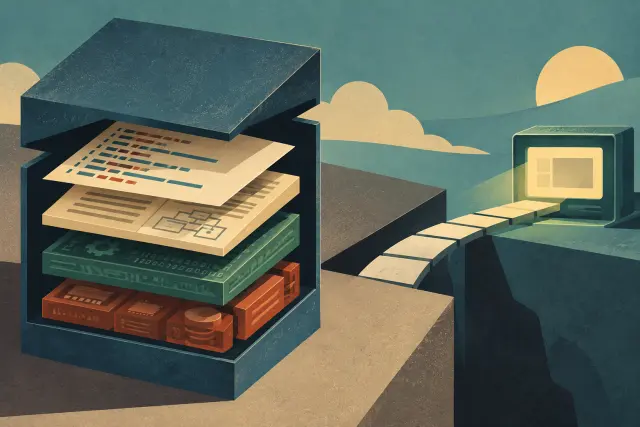
A service described as a usable collection of historical operating systems, with preconfigured installations and, in some cases, contextual software.
Selected excerpts from our archive offer more context on this subject. Each reading links to the original article and its sources.
Virtual OS Museum: Preserving Operating Systems So They Can Be Used
An old operating system is not merely a list of features or a box of disks. It is a specific way of organizing a machine: its menus, waiting times, file-naming conventions, and constraints. When it can no longer be easily run, much of that experience becomes inaccessible even if manuals, screenshots, or physical media survive. Virtual OS Museum addresses that loss: according to the available information, it brings together emulators and virtual-machine images so historical systems can be explored from a contemporary computer.
The project was created and is maintained by Andrew Warkentin, described as a developer and computer historian. The collection began in 2003. That matters less as an anniversary than as evidence of continuity: it does not describe a one-off nostalgic selection, but sustained work to assemble runnable installations. The available source puts the result at more than 1,700 installations, representing over 600 operating systems and more than 250 platforms.
The basic unit described here is not simply the name of an operating system. It is an installation. That distinction matters. A single family may contain different releases, configurations, or environments, and reducing it to a label can erase the differences that make a computing era recognizable. Counting installations as well as systems suggests an archive seeking to retain situations of use, not just catalogue titles.
The evidence does not list the specific systems in the museum or identify their releases. It would therefore be improper to present this article as a compatibility guide or claim that a particular platform is included. It does support a narrower conclusion: the collection’s stated scale aims to cover a broad range of systems and platforms, and its format is intended for hands-on exploration.
Old Software Museums: Preserving Is Not the Same as Being Able to Run It
The available evidence points to two current and distinct models. WinWorld is described as a combination of museum and virtual community devoted to retro, vintage, and abandoned software; its library includes downloadable programs, systems, prerelease versions, and betas. Virtual OS Museum, created and maintained by developer and computer historian Andrew Warkentin, has collected emulators and virtual-machine images since 2003. Xataka reports more than 1,700 installations representing more than 600 operating systems across more than 250 platforms. The projects are not identical, although both address the same need: narrowing the gap between a historic software item and someone wishing to study it today.
Virtual OS Museum offers a different answer: bringing systems closer through a complete virtual machine. Xataka says the project is distributed for VirtualBox, QEMU, or UTM, with GNU/Linux and the Xfce desktop installed. When started, it opens a launcher developed by Warkentin from which the visitor chooses a system to explore.
The word “museum” can imply completeness, yet no supplied evidence allows us to claim that WinWorld or Virtual OS Museum contains all old software, or that every program runs in every circumstance. Xataka also reports that Warkentin has material for more than 1,000 additional installations. Read carefully, that describes an open and growing project, not a closed inventory.
WinWorld and Virtual OS Museum make a useful change in retro culture visible: software can be consulted as active heritage. One stresses a downloadable library and community; the other offers selectable installations inside a virtual machine. Both bring digital objects into the present that might otherwise depend on specific machines or difficult-to-find media.
KEY FACTS
- Type
- Service